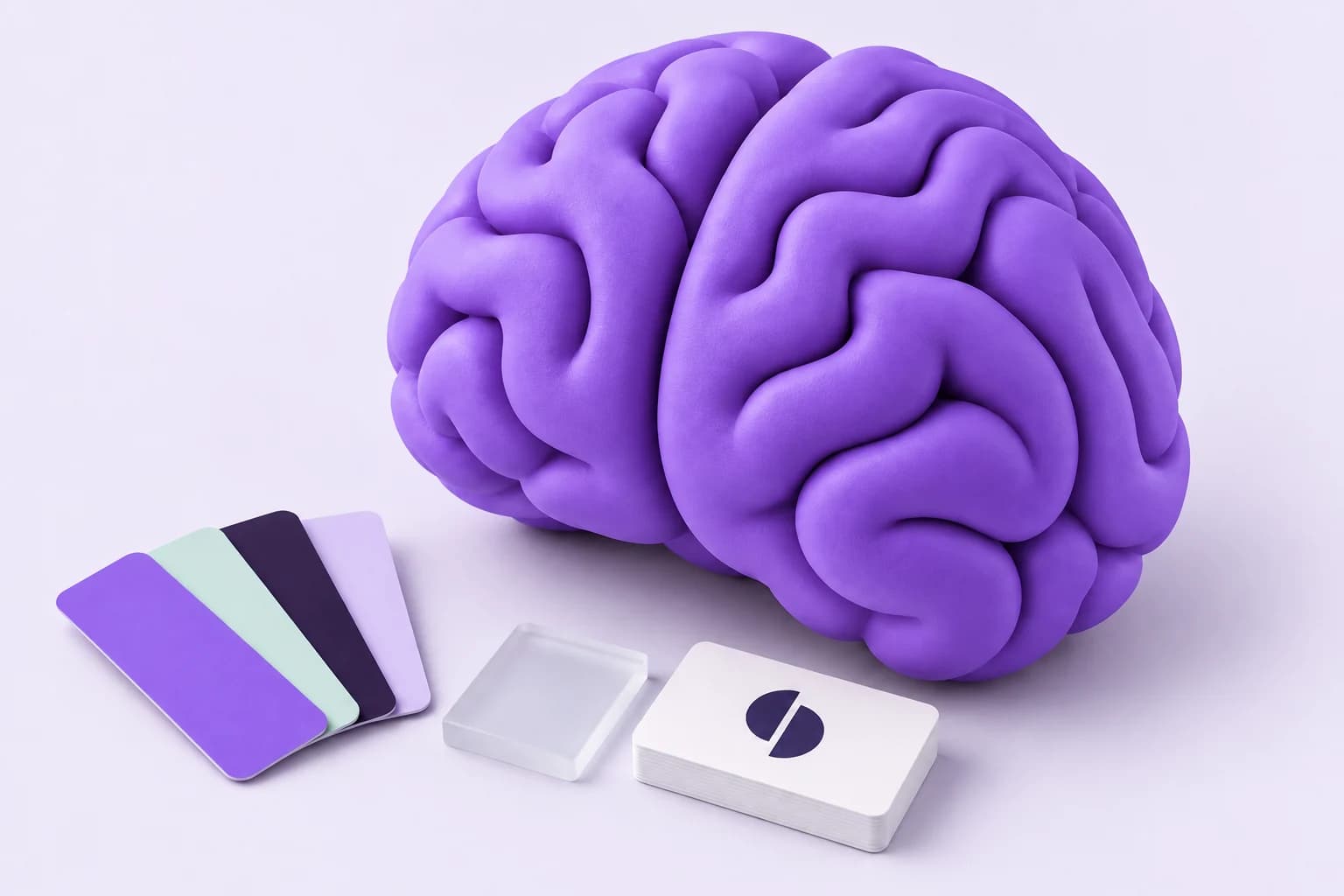


A whole identity.
From a single website.
Skip the hunt through tabs and folders. Bring logos, palettes, typography and company details together in a structured brand profile.
Explore the brand library
Meet the brain behind your next big idea. Discover brand logos, colors and fonts, then turn that knowledge into creative work.

Logos & brand assets
Colors & typography
Companies, products & sub-brands
AI-powered creative workflows
Inside the brand library
Real brands, already in the brain.
Take a closer look at what we’ve discovered.
Use the arrow buttons or swipe to explore. When the list is focused, use the arrow keys to move and Home or End to jump to either end.
consumer electronics
Music & audio
entertainment
apparel and outdoor gear
technology
food and beverage
sporting goods
skincare, hair care, body care
From the first spark of research to the final creative asset. Give your work a brain.
Skip the hunt through tabs and folders. Bring logos, palettes, typography and company details together in a structured brand profile.
Explore the brand library
Connect prompts, references and AI models on a visual canvas. Build a creative workflow you can refine, reuse and make your own.
Open the creative canvas“A fresh perspective on
brand intelligence.”
Illustrative outputExplore products, sub-brands and company relationships alongside each visual identity.
Revisit saved canvases and generation history. Inspect outputs, traces and costs as you iterate.
Use structured profiles in your products and bring BrandBrain tools into your AI assistant.
Search a brand or domain. Discover a new company when it isn’t already in the library.
Explore its visual identity, company details and related brands in one place.
Take assets into your project, build a creative flow, or work with your AI assistant.
Bring brand context and creative workflows into Claude, Codex and other MCP-compatible assistants. Keep the ideas moving wherever you work.
Connect your assistant Read the connection guide
BrandBrainGet to know your new creative brain.
BrandBrain brings brand discovery and AI creative workflows into one workspace. Search for a company, explore its visual identity and company profile, or create reusable image generation flows on a visual canvas.
A discovery can extract logos, color palettes, fonts, social links and company information from a website. Profiles can also include products and sub-brands. Coverage depends on what is available on the site and the sources used in the discovery.
Yes. The canvas lets you connect prompts, reference images and generation steps into a visual workflow. You can compare outputs, revisit previous runs and inspect generation costs from your workspace.
Yes. You can connect supported AI assistants through BrandBrain’s MCP integration. The connection guide covers authentication and how to use BrandBrain tools from Claude, Codex and other compatible clients.
Search for the brand first. If it is not in the library, choose “Add Missing Brand” to start a discovery with the brand name and website. Follow progress as BrandBrain gathers and structures the available information.

Get to know a brand. Make something worth remembering.